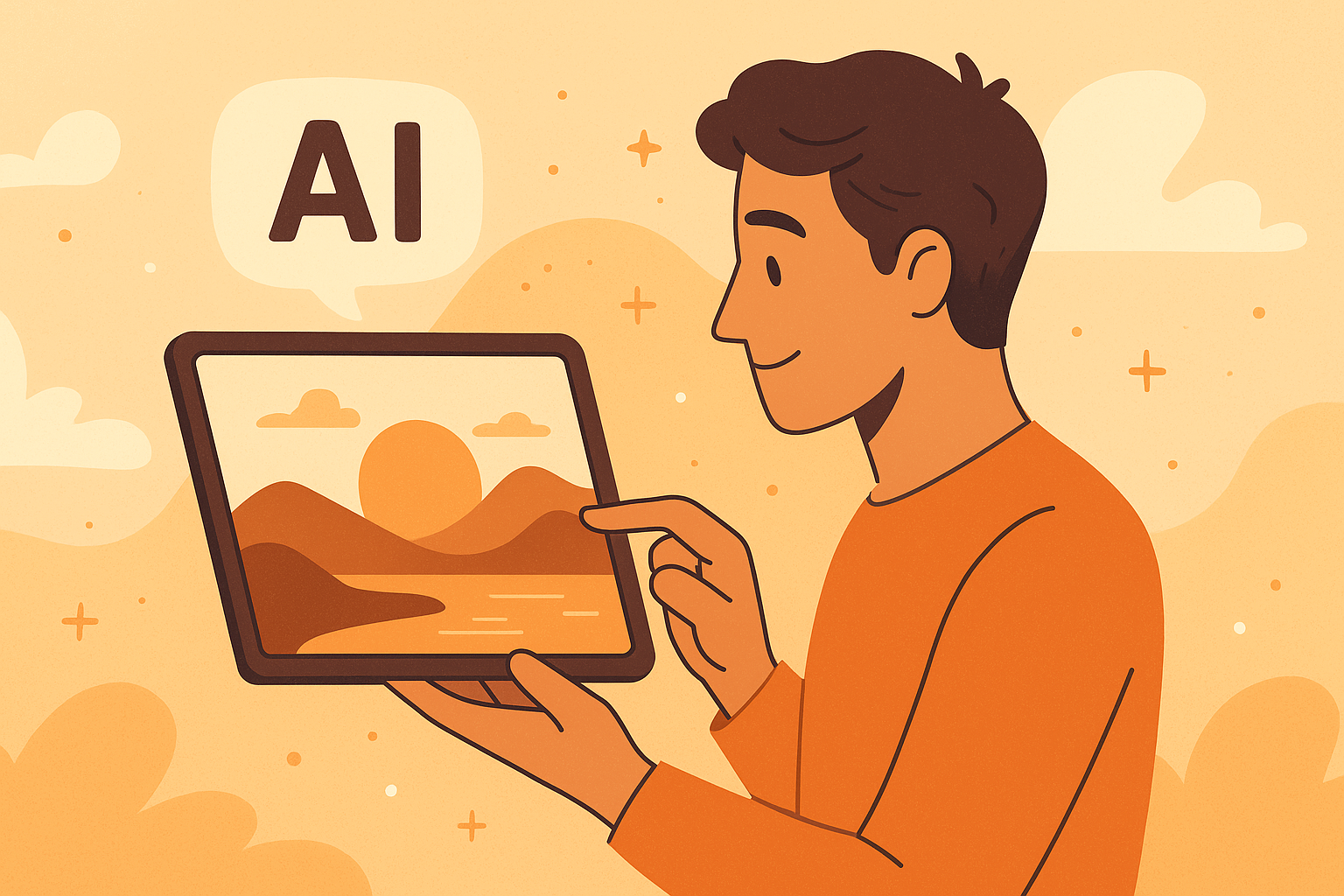
If you’ve been wondering what is the best AI image generator right now, the short answer is that it depends on what you need. Midjourney creates stunning artistic images, DALL·E 3 is best for realism and text accuracy, and Adobe Firefly fits professional design workflows. Let’s go deeper and help you find the right one for you.
What Is an AI Image Generator?
An AI image generator is software that turns text or image prompts into pictures using artificial intelligence. You type what you want—like “a golden retriever wearing sunglasses in a park”—and the tool creates it in seconds.
Most generators rely on diffusion models, which learn to build images from random noise, or transformer-based models, which understand language and translate it into visuals. Together, these systems let anyone create art, photography, or design assets instantly.
AI image generators started as tech demos but are now everyday tools for marketers, designers, educators, and content creators. You no longer need Photoshop skills to create compelling visuals.
Key takeaway: AI image generators use machine learning to convert text into high-quality images, changing how we create visual content.
Key Criteria for Choosing the Best AI Image Generator
To find the best AI image generator, you need to evaluate what “best” means for your work. For some, it’s image realism; for others, it’s speed, price, or licensing.
Here’s what matters most:
1. Image Output Quality
Look for realism, detail, and consistency. Midjourney excels at artistic and stylized visuals. DALL·E 3 produces natural lighting and photorealistic textures.
2. Prompt Responsiveness
The tool should understand what you mean. Some handle abstract prompts better; others need specific guidance.
3. Style Flexibility
Can it switch between cartoon, portrait, and cinematic looks easily? Firefly and Stable Diffusion score high here.
4. Editing and Upscaling
Professional use often needs resizing, background edits, or fine-tuning. Tools that include built-in editors save time.
5. Commercial Use License
If you plan to sell or publish the images, verify the license terms. Midjourney allows commercial use for paid tiers. Firefly offers clean licensing backed by Adobe’s content credentials.
6. Cost and Free Tier
Free tools are great to test. For serious work, paid plans offer better image resolution and faster rendering.
7. Integration and Workflow
Professionals prefer tools that plug into existing software. Firefly works inside Photoshop; DALL·E 3 connects with ChatGPT and Microsoft Designer.
Key takeaway: Match the generator to your goals—creative art, brand visuals, or content production—rather than chasing a single “best” option.
Bonus: Best AI Prompt Generators
Top AI Image Generators in 2025 — And Which One Is Best for You
The AI art scene evolves fast. In 2025, several tools lead the pack based on quality, usability, and trust.
| Tool | Best For | Strengths | Pricing (approx.) |
|---|---|---|---|
| Midjourney v6 | Artistic & conceptual art | Style control, lighting realism | $10–$60/mo |
| DALL·E 3 (OpenAI) | Photorealism, text accuracy | Natural faces, clean typography | included with ChatGPT Plus |
| Adobe Firefly 2 | Professional design & branding | Commercial-safe use, native in Photoshop | free w/Adobe ID |
| Stable Diffusion XL | Open-source customization | Local use, full control, fine-tuning | free / varied |
| Freepik AI & NightCafe | Beginners, quick graphics | Easy templates, free credits | free / low-cost |
Best for Beginners or Casual Users
If you’re new to AI art, NightCafe and Freepik AI are great starting points. They’re web-based, fast, and come with free daily credits. You don’t need Discord or API keys.
Why beginners love them: simple interfaces, built-in templates, and no technical learning curve.
Pro tip: Start with simple prompts like “cartoon cat reading a book” to understand how word order affects results.
Best for Professional Designers and Creative Teams
Adobe Firefly stands out for professionals because it integrates directly into Photoshop and Illustrator. You can generate images, replace backgrounds, or expand scenes without leaving your workflow.
Its commercial-safe license ensures that every output can be used for business purposes without copyright worries—a major advantage for agencies.
Midjourney is another pro favorite, delivering painterly and cinematic aesthetics that appeal to creative directors.
Key takeaway: For brand work or paid projects, choose Firefly or Midjourney to combine quality with professional assurance.
Best for Budget or Free Use
Stable Diffusion XL remains the best free, open-source choice. It lets you run models locally or on free platforms like Hugging Face. You can fine-tune models or install community styles.
Craiyon is also a solid option if you need simple, fast sketches or concept mockups. It’s not as detailed as the big names but works fine for casual ideas.
Key takeaway: Free tools can produce impressive results if you invest time learning prompt structure and post-editing.
How to Use an AI Image Generator Effectively (Prompt Engineering + Workflow Tips)
Writing better prompts can dramatically improve your image quality. Think of it as giving clear instructions to a designer.
Crafting Effective Prompts
Good prompts describe what, how, and style.
Example:
“A cozy wooden cabin in snowy mountains, golden sunset lighting, photorealistic, 8K detail.”
This works better than “cabin in snow” because it includes style and lighting cues.
Tips for strong prompts:
- Be specific about subject, mood, and composition.
- Add style words: “digital art,” “film photo,” “anime.”
- Use adjectives that define light and tone (“soft,” “dramatic,” “golden hour”).
- Test variations to see how each tool interprets your intent.
Choosing the Right Model and Settings
Each generator has parameters—resolution, aspect ratio, and detail level.
- Use square ratios for social media.
- Landscape for wallpapers or presentations.
- Adjust detail settings if images look flat or over-smoothed.
Post-Generation Editing and Upscaling
Use AI upscalers or built-in editing tools to clean up noise, sharpen faces, and fix artifacts. Adobe Firefly and DALL·E 3 both include “inpainting” features to edit specific areas.
Integrating AI Images into Your Workflow
You can use AI visuals for:
- Blog covers and marketing posts
- Product mockups
- Storyboards or design concepts
- Social-media content calendars
Create a folder for prompt tests and successful outputs. Over time, you’ll learn which prompt styles work best for your niche.
Key takeaway: The secret to great AI visuals is precision in prompts and iteration. The more context you give, the better the results.
Bonus: Best AI Text to Video Tools
Licensing, Ethics, and Legal Considerations
Using AI-generated images is exciting, but you must understand licensing and ethics before publishing.
Commercial Use Rights
Not all generators give the same rights.
-
Adobe Firefly: fully licensed for commercial use, backed by stock contributors.
-
Midjourney: paid plans allow commercial projects; free plans do not.
-
DALL·E 3: images made via ChatGPT Plus or Microsoft Designer are safe for most use cases.
Always read the terms of service—rules can change.
Copyright and Attribution
AI-generated works may not qualify for copyright protection in every region. If you sell prints or designs, keep prompt records and timestamps as proof of authorship.
Bias and Style Imitation
Models are trained on large datasets that can include artists’ works without explicit consent. Avoid imitating living artists’ distinct styles or celebrity likenesses.
Regional Considerations
In countries like India, legal frameworks are still evolving. Always verify whether the output counts as “original work” under local law before commercial use.
Key takeaway: Use trusted platforms and understand licensing before you monetize AI-generated art. Transparency protects both you and the creators behind the data.
Future Trends: What’s Next for AI Image Generation?
AI image generation is moving fast. The next wave of models will go beyond still images.
1. Text-to-Video and Motion Generation
Tools like Runway Gen-3 and Pika Labs already create short AI videos from text prompts. Expect major platforms to merge image and video generation soon.
2. Real-Time Editing
Future tools will allow you to change elements inside an image instantly—adjust lighting, expressions, or camera angles without rerendering.
3. 3D and Immersive Content
AI is learning to build 3D scenes for games, AR, and product visualization. This will reshape design and marketing pipelines.
4. Local and Private Models
Smaller, efficient models are emerging that run on personal computers or phones, improving privacy and accessibility.
5. AI Collaboration
Design suites will integrate chat-based assistants that can modify visuals through conversation (“make it brighter,” “add a logo”).
Key takeaway: The future of AI image generation is dynamic and multi-modal. Expect tools that create not just images but full creative experiences.
Which AI Image Generator Should You Choose? Decision Framework
Choosing the right AI image generator comes down to purpose and workflow.
| Scenario | Recommended Tool | Why It Fits |
|---|---|---|
| Personal use / hobby | NightCafe or Craiyon | Simple, free, fast |
| Content creation / marketing | DALL·E 3 via ChatGPT | Easy prompt-to-post workflow |
| Professional design / branding | Adobe Firefly | Clean licensing, Photoshop integration |
| Artistic concepting / creative exploration | Midjourney | Rich aesthetics, style variety |
| Custom models / local use | Stable Diffusion XL | Full control, open source |
Quick Checklist
- Define your use case (personal, business, or client).
- Test a free plan first.
- Compare results across 2–3 tools.
- Check usage rights and licensing.
- Save your top prompts and outputs.
Key takeaway: There isn’t a single “best” AI image generator—there’s a best fit for your goals, workflow, and comfort level.
FAQ
Can I use AI-generated images for commercial projects?
Yes, most platforms allow it under paid plans. Check each site’s terms to confirm you have commercial rights and proper attribution if needed.
Are AI image generators free to use?
Many offer free tiers with limited credits or watermarked images. Paid versions unlock higher resolution and faster rendering.
Will using an AI image generator replace a human designer?
No. These tools speed up production but still need human judgment for storytelling, emotion, and brand alignment.
How good are AI-generated images compared to traditional photography?
Modern models can produce near-photorealistic images, but they may struggle with small text, hands, or complex perspectives.
Which prompt style works best with AI image generators?
Detailed prompts with clear subjects, style modifiers, and context words lead to better results. Example: “Editorial portrait lighting, 35 mm film look, neutral tone.”
Key Takeaways
- AI image generators turn text prompts into visuals using advanced machine learning models.
- Midjourney, DALL·E 3, and Adobe Firefly currently lead the field, each excelling for different needs.
- Prompt clarity and workflow integration determine the quality of results more than the tool itself.
- Always check licensing and commercial rights before publishing or selling AI art.
- The next generation of tools will merge image, video, and 3D creation for deeper creative control.
If you’re asking, “What is the best AI image generator?”, the answer depends on you—your goals, your workflow, and your creative vision.