
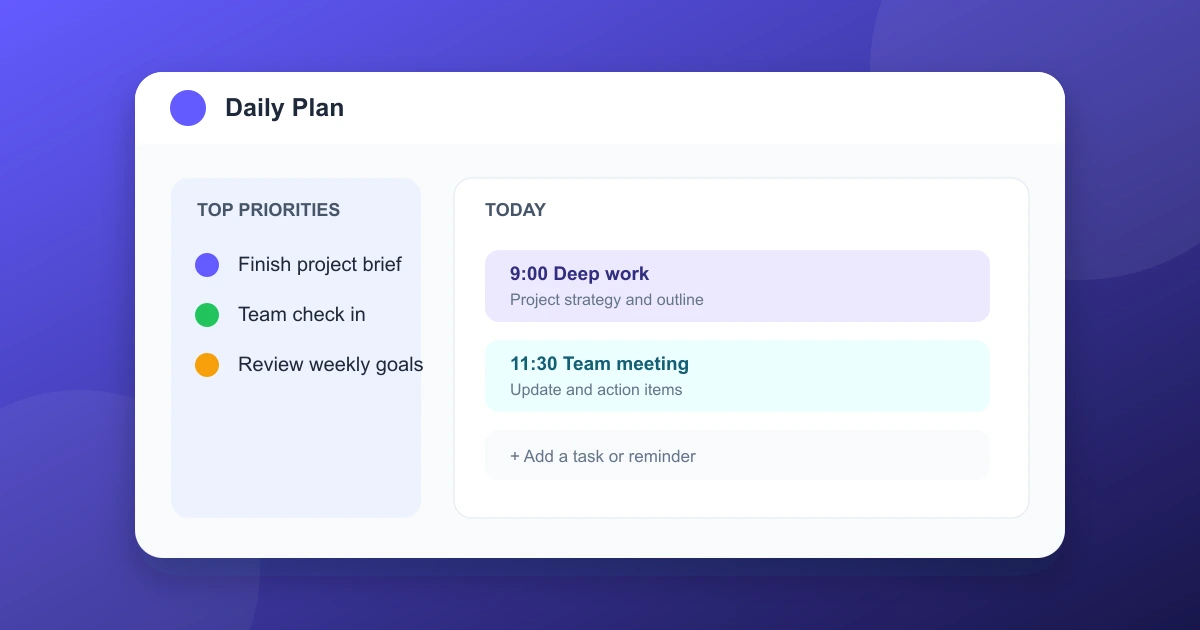
A good daily planner app turns a crowded schedule into a clear list of tasks, appointments, and priorities. It does not need to contain every feature. The right choice should make planning faster and keep important work visible.
Quick answer
Todoist is the strongest all-around task planner. TickTick adds built-in timers and calendar tools. Any.do offers a simple daily plan, Notion gives advanced customization, Fantastical focuses on calendar scheduling, and Microsoft To Do is a practical choice for Microsoft account users.
The 6 best daily planner apps
| App | Best for | Key strength |
|---|---|---|
| Todoist | General task planning | Fast capture and recurring tasks |
| TickTick | Tasks and time blocks | Calendar, habits, and timer |
| Any.do | Daily simplicity | Quick lists and daily review |
| Notion | Custom planning systems | Flexible pages and databases |
| Fantastical | Calendar-first planning | Natural language scheduling |
| Microsoft To Do | Microsoft users | Simple lists and Outlook ties |
1. Todoist
Todoist works well for people who want one dependable place for projects, appointments, due dates, and recurring routines. Its natural language entry can turn text such as "Submit report Friday 10am" into a scheduled task.
Why it stands out: Todoist is quick to set up, consistent across major devices, and strong at finding tasks through filters and labels. It supports personal plans and shared projects without becoming complicated by default.
Consider it for: Students, professionals, and households that need reliable task capture more than complex page layouts.
2. TickTick
TickTick combines task lists, calendars, habits, reminders, and a focus timer in one app. It suits daily planners who want to schedule work blocks while reviewing tasks beside appointments.
Why it stands out: Priority views, recurring deadlines, Pomodoro timing, and calendar integration make it useful for users who plan both what to do and when to do it.
Consider it for: People who want time management and task management in a single workspace.
3. Any.do
Any.do presents tasks in a clean daily list and encourages a short review before each day begins. Calendar and task views can sit together, helping appointments and action items stay visible.
Why it stands out: Its straightforward interface limits setup work. Shared lists and location reminders are useful for errands and family planning.
Consider it for: Anyone who prefers a daily checklist and minimal navigation.
4. Notion
Notion is a flexible workspace rather than a fixed planner. Users can build task databases, weekly dashboards, meeting notes, goals, habits, and project pages that share the same underlying records.
Why it stands out: Templates, linked databases, filters, views, and notes allow each person to shape a planning system around real routines.
Consider it for: Detail oriented planners who do not mind setting up a personal system and maintaining its structure.
5. Fantastical
Fantastical puts the calendar at the center of daily planning. Natural language commands can create events, reminders, and recurring schedules without filling out several fields.
Why it stands out: Calendar sets, time zone handling, visual scheduling, and task integration help busy people review the whole day quickly.
Consider it for: Apple users and people whose schedule changes often through meetings, travel, and shared calendars.
6. Microsoft To Do
Microsoft To Do offers a calm, approachable task list for Windows, web, and mobile users. My Day resets the current task list each morning and lets users pull forward priorities from larger lists.
Why it stands out: Microsoft account integration and Outlook task support make it convenient for users who already work in Microsoft's productivity tools.
Consider it for: People who want basic reminders, recurring tasks, lists, and cross-device sync without extensive configuration.
How to choose the right daily planner app
Start by identifying the planning problem that wastes the most time. A messy task list needs strong capture and sorting. A busy appointment schedule needs calendar views. Long projects need subtasks, priorities, and reminders.
- Choose Todoist for a balanced, fast task planner.
- Choose TickTick for tasks, calendar, focus time, and habits together.
- Choose Any.do for a brief daily review and simple list.
- Choose Notion for custom databases and linked personal pages.
- Choose Fantastical for calendar first scheduling.
- Choose Microsoft To Do for an easy Microsoft oriented list.
A simple daily planning routine
Spend five minutes adding urgent tasks, reminders, and appointments. Review the next three priorities. Time block demanding work when possible, but leave space for meetings, breaks, and work that takes longer than expected.
At the end of the day, move unfinished tasks to a realistic time or remove them from the plan. Keep notes nearby so a new project does not get lost in the calendar. A small system used consistently will often outperform a feature-heavy system used occasionally.
Common questions
Should I use one planner app for everything?
One app is easier to maintain when it handles tasks and schedules reliably. Some people prefer separate calendar and task apps connected through integrations. The best setup is the one reviewed every day.
What is better for a student planner app?
Todoist, TickTick, and Microsoft To Do handle assignments, reminders, and recurring study tasks well. Notion offers more room for course notes and project databases, while Any.do is useful for a simple daily checklist.
Can these apps sync between phone and computer?
Yes, the listed apps generally support phone, desktop, or web access. Offline editing and specific platform support may depend on the account plan and current app version.
How much time should daily planning take?
Most routines take five to fifteen minutes. Longer planning sessions are better reserved for a weekly review of goals, projects, and upcoming commitments.
Bottom line
Simple takeaway
Choose Todoist for all-around task planning, TickTick for schedules plus habits and timers, and Any.do for simple daily use. Use Notion for custom systems, Fantastical for calendar planning, or Microsoft To Do for Microsoft account convenience.