
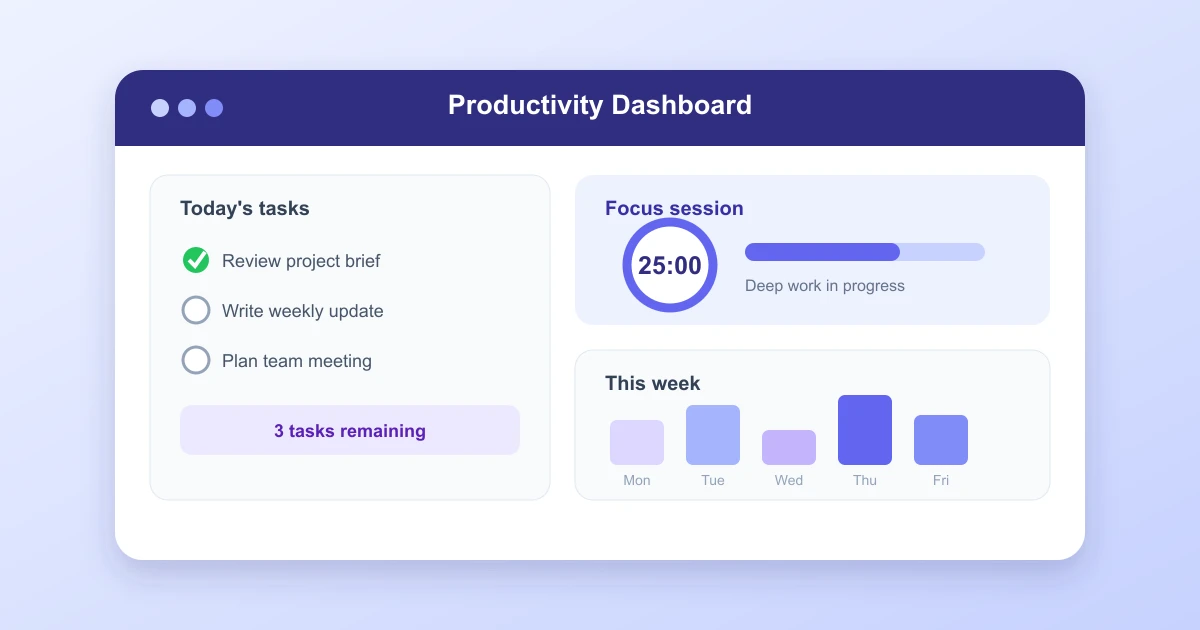
Productivity apps can help turn scattered tasks, notes, calendars, and team messages into a clearer daily routine. The right choice depends less on feature count and more on whether the app fits your actual work.
Quick answer
These 20 apps cover task planning, calendar management, notes, focus, automation, and collaboration. The three strongest all-purpose picks are Todoist for task management, Notion for flexible workspace planning, and Sunsama for a guided daily schedule.
The 3 productivity apps that stood out
1. Todoist, best for fast task capture
Todoist makes it easy to add a task, assign a date, set a priority, and organize work into projects. Natural language scheduling, filters, recurring tasks, labels, and shared projects are useful for both personal planning and small teams. It stood out for speed and reliability rather than an oversized feature set.
Best for: People who want a dependable task list across web, desktop, and mobile. Watch for: Advanced views and some team features require a paid plan.
2. Notion, best for connected planning
Notion combines notes, projects, documents, databases, and lightweight team knowledge in one workspace. Flexible templates can support meeting notes, content calendars, project trackers, and personal goals. The tradeoff is setup time, since an overly complex database can slow daily use.
Best for: Flexible personal or team systems. Watch for: Larger plans require discipline around structure and permissions.
3. Sunsama, best for intentional daily planning
Sunsama brings tasks from connected tools into a daily plan. Timeboxing, calendar blocks, daily shutdown prompts, and workload limits help keep schedules realistic. It worked best for people who need more guidance around priorities, focus time, and daily review.
Best for: Thoughtful daily planning and calendar control. Watch for: Its focused design comes with a premium subscription.
20 best productivity apps
| App | Strongest use | Good fit |
|---|---|---|
| Todoist | Tasks and habits | Individuals and small teams |
| Notion | Flexible workspace | Projects, notes, and knowledge |
| Sunsama | Daily planning | Calendar based schedules |
| Microsoft To Do | Simple tasks | Microsoft 365 users |
| TickTick | Tasks and focus timers | Personal productivity |
| Asana | Team project work | Cross functional projects |
| ClickUp | Custom team operations | Teams that need many views |
| Monday.com | Team workflows | Operations and campaigns |
| Linear | Software issue tracking | Engineering and product teams |
| Fantastical | Calendar planning | Apple focused users |
| Google Calendar | Shared scheduling | Google Workspace users |
| Motion | AI calendar scheduling | Busy calendar driven roles |
| Evernote | Notes and document capture | Research and reference notes |
| Obsidian | Linked local notes | Personal knowledge systems |
| Craft | Polished documents | Personal writing and team pages |
| Forest | Focus sessions | Distraction resistant timers |
| Freedom | Website and app blocking | Deep work across devices |
| Zapier | Workflow automation | Connecting web services |
| Slack | Team communication | Channels and searchable updates |
| RescueTime | Time insight | Automatic activity review |
How to choose a productivity app
Begin with the problem, not the category. A missed deadline points to task and calendar issues. Unread notes point to a capture problem. Constant switching may mean too many disconnected tools.
- Capture speed: Add a task or note within seconds.
- Daily visibility: See priorities without opening several screens.
- Calendar control: Confirm timezone, recurring events, reminders, and external calendars work correctly.
- Search and filters: Find old work quickly.
- Offline access: Check whether editing remains available without a connection.
- Export and privacy: Ensure data can be moved and stored under clear account settings.
A practical productivity app setup
- Choose one app for tasks, one for notes, and one calendar.
- Enter only active projects and commitments.
- Set one daily review for five to fifteen minutes.
- Timebox the most important task before smaller requests fill the schedule.
- Turn on only notifications that require action.
- Archive completed projects every week or month.
- Remove a tool if duplicated data creates more work than it removes.
A simple system is easier to maintain than a detailed system that requires constant correction. Start with two or three workflows, then add features when a real need appears.
Common questions
Do productivity apps make teams more productive?
They can improve visibility, ownership, and handoffs. Results still depend on clear goals, realistic deadlines, limited meetings, and consistent team habits.
Should I pay for a productivity app?
Pay when a recurring feature clearly saves time, prevents missed work, or supports a team requirement. Compare annual cost with the free plan and any saved alternatives first.
How long should a trial last?
Use an app through at least a full work cycle that includes busy days, routine days, and a weekly review. This shows whether it works beyond the initial setup period.
Can one app replace all others?
Sometimes, but replacement is not automatically better. Calendar, task, communication, document, and focus features may overlap poorly in a single product. Choose the smallest stack that keeps work visible and reliable.
Bottom line
Simple takeaway
Todoist, Notion, and Sunsama cover a strong combination of tasks, flexible planning, and daily schedules. The best app still has to match your routine, reduce manual tracking, and remain usable when your workload changes.