
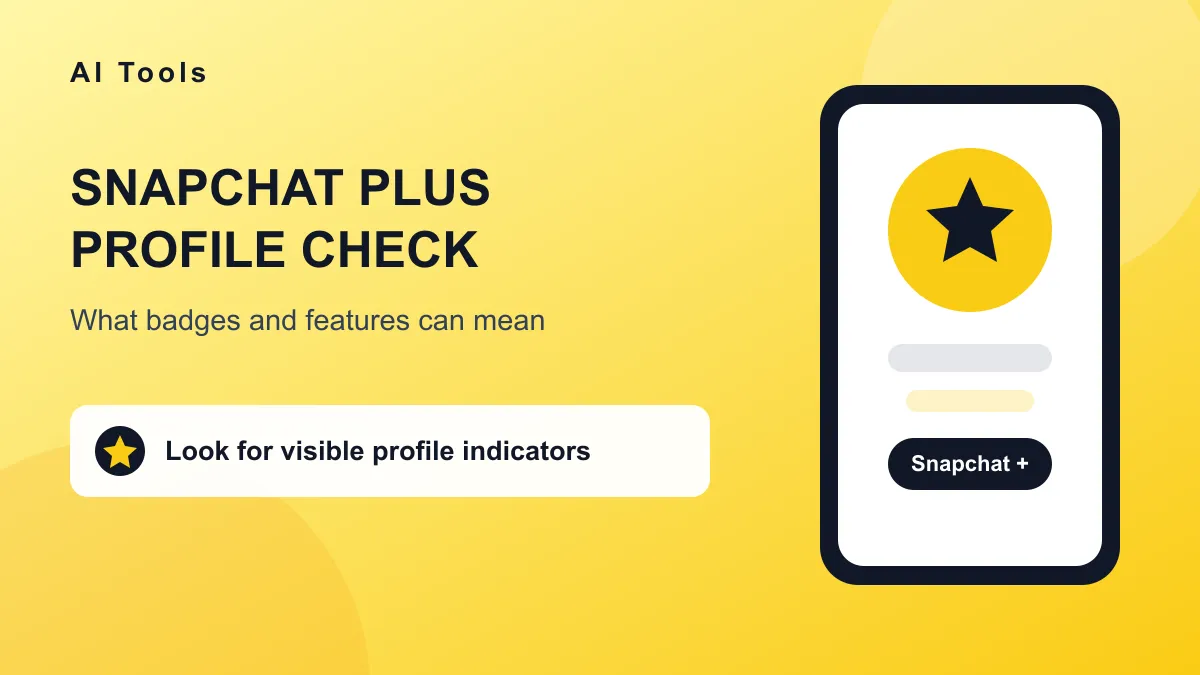
The clearest public sign of Snapchat Plus is a Snapchat Plus badge on the profile, often shown as a black star or Plus symbol near the profile information. However, no badge should be treated as definitive proof either way because profile designs and available features can differ by account, app version, and region.
Quick answer
Open the person's Snapchat profile and look for a black star, Snapchat Plus badge, or Plus label near the display name and subscription information. If you do not see one, Snapchat Plus status is not confirmed. Some subscribers do not show a public indicator, while interface updates can also change how badges appear.
Look for the Snapchat Plus profile badge
Start by opening the Snapchat profile from your chat list, friends list, or the profile sharing screen. Check the area around the display name, Snap score, and account details. Some Snapchat Plus profiles show a black star badge associated with the subscription.
The exact placement and appearance can depend on the current Snapchat app. Look for a Plus label, star icon, or a subscription section instead of assuming that only one exact symbol is used.
Check for other profile indicators
A profile can include subscriber customization that is more visible than the badge itself. Depending on the account and available features, look for a custom app icon reference, special profile theme, Snapchat Plus pin, or another visual element promoted inside the subscriber profile.
Friend features are another possible clue. Snapchat Plus may make a story pin, friend pin, or chat priority option available to the subscriber. Seeing the result does not always prove how it was configured, and the relevant option may also exist without a clear plus symbol.
Features that may appear while viewing or chatting
- Friend and Story pins: A subscriber may pin a person or Story for quicker access.
- Story rewatch counts: Snapchat Plus can expose additional story insight to the account owner.
- Custom appearance: A subscriber may use exclusive themes, badges, icons, or profile effects.
- Expanded friendship details: Some subscriber features change how the account views friendship history.
- Temporary trials: Features may be visible while a trial or promotion is active.
A visible feature should be treated as a clue, not a complete subscription check. Snapchat regularly changes benefits and rolls features out to different accounts and regions.
What cannot be confirmed from a profile
The public profile does not provide a complete list of another person's subscriptions. You cannot reliably tell whether someone has an active paid plan, a trial, a previous plan, or access to a feature only because they use a certain customization.
No public badge means only one thing: the Snapchat profile visible to you does not currently display a recognizable Plus indicator. It does not prove that the account has never subscribed or does not have hidden subscriber features.
Common mistaken signs
- A yellow app icon: Snapchat's standard icon may look familiar, but it does not prove Plus status.
- A high Snap score: Active accounts can have high scores without Snapchat Plus.
- A pin or favorite: Pinning behavior is not the same as a public subscription badge.
- Story rewatch activity: This insight belongs mainly to the account owner and should not be guessed from another person's profile.
- Third-party screenshots: Old marketing images and feature lists may not match the current app.
Third-party Snapchat Plus checkers
Apps and websites that claim to reveal another person's hidden Snapchat Plus subscription should be avoided. Snapchat does not publish a public verification directory for those tools to query. A result based only on a username is usually a guess.
Never share an account password, verification code, or session token with a checker. Legitimate Snapchat tools should use public profile information or clearly state what they can and cannot verify.
Privacy considerations
Subscription status is personal account information. Even when Snapchat displays a badge, the safest approach is to use it only as a visible interface clue and avoid treating it as private gossip or proof about the account owner.
If you are checking your own account, open your Snapchat profile and look for the Snapchat Plus section. That subscription area is the reliable place to review membership status, renewal details, and benefits on your own account.
Common questions
Where is the Snapchat Plus badge?
Look near the display name and profile details on the current Snapchat app. Some badges appear as a black star or Plus label, while the exact placement can change after updates.
Does everyone with Snapchat Plus have a star?
No. The star or badge may not be displayed in every profile context. Snapchat can also change which indicators are public.
Can I ask Snapchat to confirm someone else's subscription?
No. Snapchat does not provide a public lookup that confirms another person's hidden subscription status.
Can Snapchat Plus features be used as proof?
They can be a clue, but not reliable proof. Some features are private, promotional, unavailable in certain regions, or visible through account settings that another person controls.
Bottom line
Simple takeaway
Check for a Snapchat Plus badge or Plus label near the profile details. If it appears, it is the clearest visible sign. If it does not, subscription status remains uncertain rather than confirmed.
Profile badges are useful interface clues, but they are not a complete membership record. The safest answer comes from your own Snapchat Plus subscription screen, not from a third-party checker or an assumption based on one icon.
Browse our AI tools directory for social media planning and content tools.