
Quick answer
iMessage does not tell you directly that someone blocked you. Common clues include messages that stay blue without a clear delivery result, repeated calls that reach voicemail quickly, or an iMessage conversation turning green when SMS is available. No single sign proves a block.
What message signs may point to a block?
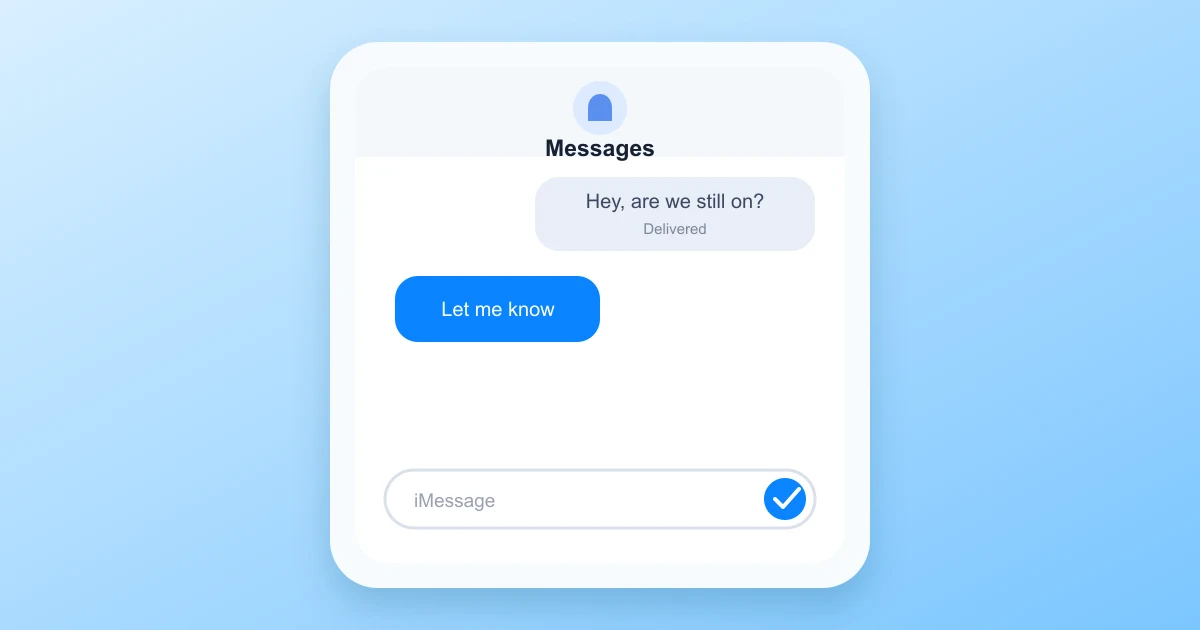
A message may show Delivered, show Not Delivered, or show no status below it. Apple does not show a blocked contact message in a normal conversation.
- Send one neutral message and wait.
- Check whether the send bubble remains blue or turns green.
- Compare the result with your recent conversations.
- Look for a delivery status, not just a reaction or read receipt.
On some devices, Delivered appears only if the recipient's phone reports receipt. A blocked iMessage may be accepted by Apple and then withheld from the recipient, so the sender can see limited information. Read receipts can be enabled or disabled, making them even less reliable for a block check.
Blue bubbles are not enough
A blue bubble means the message was sent through Apple's iMessage service. It does not prove that the recipient received it or opened it. A blue bubble can stay blue even after a phone is offline, in Do Not Disturb mode, or changed to a new Apple account.
Green bubbles do not prove a block either
Messages can turn green when the phone cannot use iMessage, SMS is the available fallback, or the recipient no longer has an active connection for iMessage. The recipient may also have turned off iMessage for a number, a phone, or a period of time.
Can calling behavior indicate a block?
Call patterns can add context, but they are not conclusive. Repeated calls that go straight to voicemail, ring only briefly, or show no normal answer can happen for several reasons.
- The recipient's phone may be powered off or out of service.
- Call Forwarding, Do Not Disturb, Focus mode, or Silent Unknown Callers may apply.
- Carrier settings may send the call to voicemail.
- The number may have been changed or reassigned.
- The contact may have blocked your number.
Try calling from another number only if that is appropriate and respectful. Do not use repeated calls from alternate numbers to bypass a block or contact preference. Silence and voicemail can be a request for privacy.
How to combine clues more carefully
Use several observations together and avoid acting on one result. Check the contact's status through normal, low pressure methods.
- Wait at least a day because an offline phone can create a false signal.
- Send one message, rather than several repeated texts.
- Call once and note whether the phone rings normally.
- Ask a mutual contact for general availability only if a real concern exists.
- Confirm that your Apple ID, phone number, and carrier settings are working.
A useful test is sending the same message from your Messages app after confirming iMessage itself works with several known contacts. If one conversation never responds while others behave normally, the change may relate to the recipient's settings. It still does not name the cause.
Other reasons you may see the same signs
Many normal situations look similar to a block. These explanations should be considered before reaching a conclusion.
The recipient changed devices
iMessage registration can take time after an account is signed in on a new iPhone. Messages can show inconsistent delivery while the contact finishes setup or changes phone numbers.
The recipient disabled iMessage
Someone might turn off iMessage or deregister a number. Group messaging, carrier services, or a temporary setting issue can send texts through SMS instead.
The phone is offline
Delivery status depends on connection and timing. A full battery, signal loss, travel, or an old notification may delay a result for hours.
Contact delivery settings changed
Read receipts, focus modes, and unknown caller filters change what you see. They do not provide a direct blocked status.
How to check your own iPhone block settings
If you think the block may be on your side, check the Phone, Messages, and FaceTime settings.
- Open Settings and select Apps.
- Select Phone, then Blocked Contacts.
- Repeat the check under Messages.
- Check FaceTime blocked contacts if needed.
- Remove a number only if it was added accidentally.
These lists do not show whether your number has been blocked by someone else's phone. Only the other account holder can change that decision.
Common questions
Does iMessage say you have been blocked?
No. Apple gives status clues in the messaging app, but it does not identify a recipient who blocked a sender.
Will a blocked message say Delivered?
It may show Delivered in the sender's conversation, may remain without a status, or may behave differently. Delivery language is not a reliable block detector.
What does green bubble mean?
Green usually indicates SMS or MMS. It can occur when iMessage is unavailable, SMS fallback is active, or the recipient is not registered with iMessage.
Can a recipient still see blocked texts?
Blocked texts normally do not appear in the normal conversation. A blocked sender should not assume that their message reached the recipient.
Should I contact someone from another device?
Only if there is a reasonable need and if that approach respects the person's communication preferences. Repeated attempts are more likely to add pressure than provide clarity.
Bottom line
Simple takeaway
Look at delivery status, bubble color, calling behavior, and timing together. These signs can suggest a block, but they can also reflect offline devices, carrier settings, changed numbers, and disabled iMessage. There is no public iMessage screen that confirms a block with certainty.